Pairing
Bragi links to your Weirdnet identity like any of your devices. Either it shows a code for a device that is
already linked, or, as a linked device, it opens another device's code. Both screens show the same six digits to
compare, so a stranger can't slip in. Link codes use the weirdnet-bragi:// scheme. For now they are pasted
in; a QR scanner is not built yet.
Models
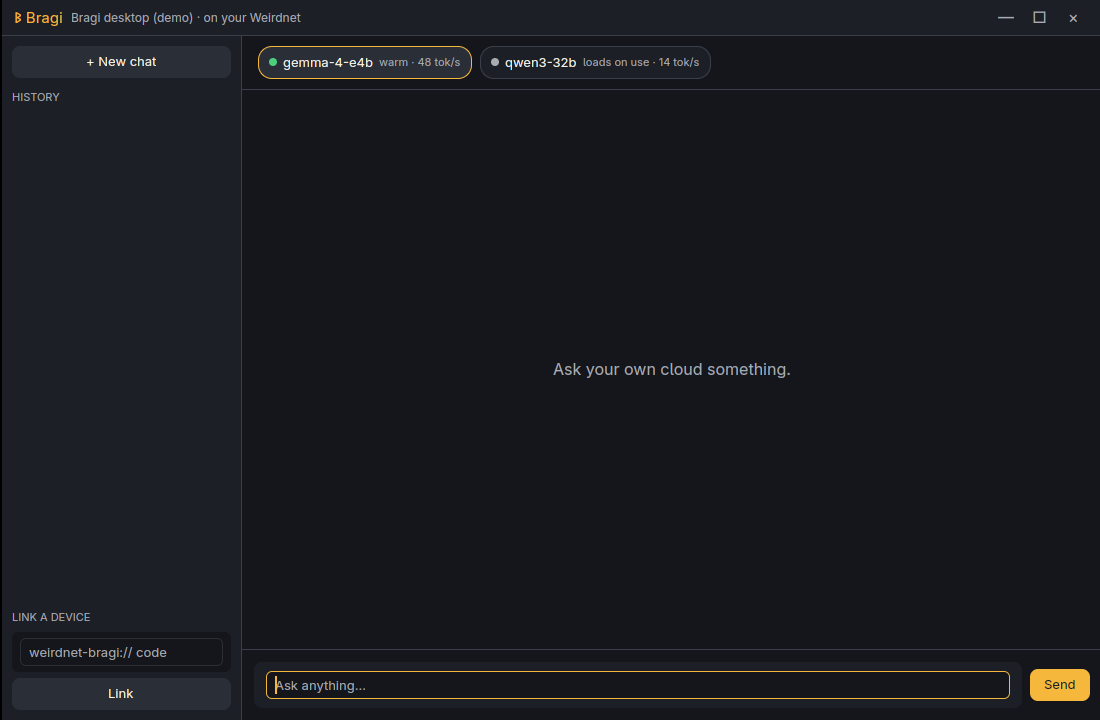
Bragi lists the chat models your Ymir inference node offers, warm ones first, with live status (warm, busy, loads on use). A multi-node catalog comes with the pool client (B2).
Chat
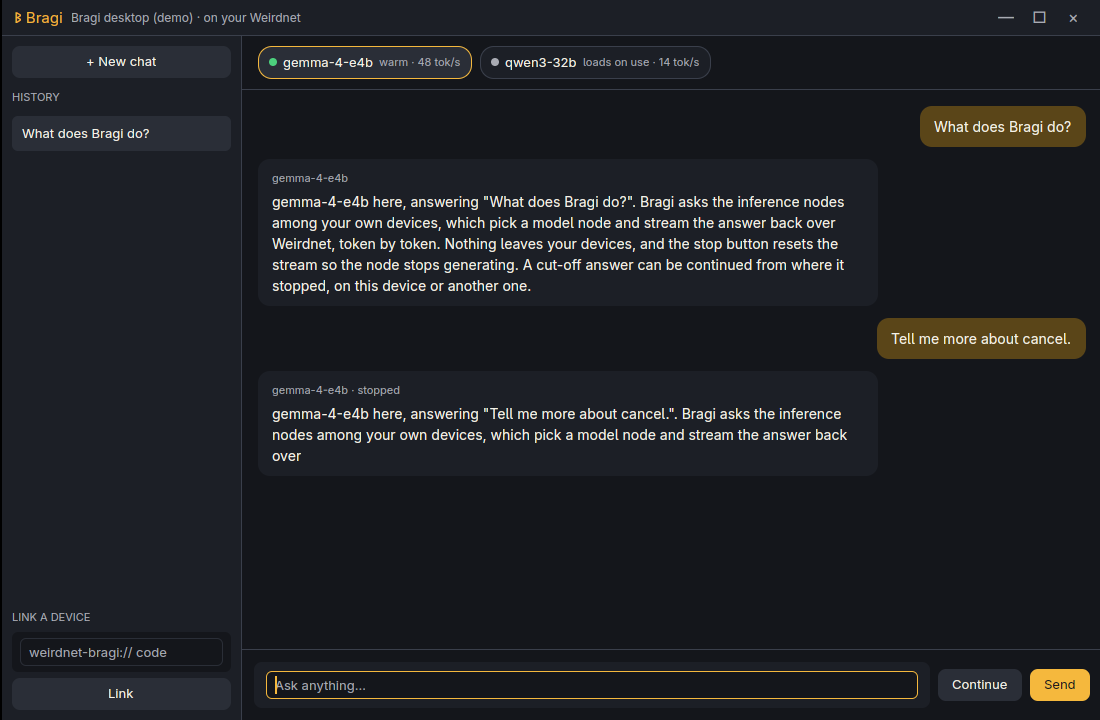
Answers stream in token by token. Stop cancels the request and keeps what arrived; Continue picks the answer up again. A continued answer is exact on the demo node, but a real model may rephrase at the seam, because the continue request carries the partial answer plus an instruction. History is saved locally, one file per conversation, and survives a restart. Synced history is planned (B4).
Desktop and phone
The desktop app (GPUI, Linux) and the phone app (Flutter, Android) share one Rust core, so they pair, list models, stream, stop and continue the same way. A shell that lags a milestone is treated as a bug. iOS, macOS and Windows are planned (B3).
What is tested
Both apps pass the same end-to-end scenario (pair, list models, chat, stop, continue) against a simulated inference node. They have not yet been run against a real Ymir node or across real machines.